
GizmojarFile & Media Toolbox
Coming soonmacOS 14+Tactile workbench
Convert anything from one hotkey.
Convert, compress and tweak video, audio, images and PDFs from one hotkey.
Gizmojar is in development — there's nothing to download yet.
Feature tour
In development — current build includes
Gizmojar isn't released yet, so there's nothing to download. These features work in the current development build and may change before release. Requires macOS 14 Sonoma or later.
Command
Press a key, type what you want.
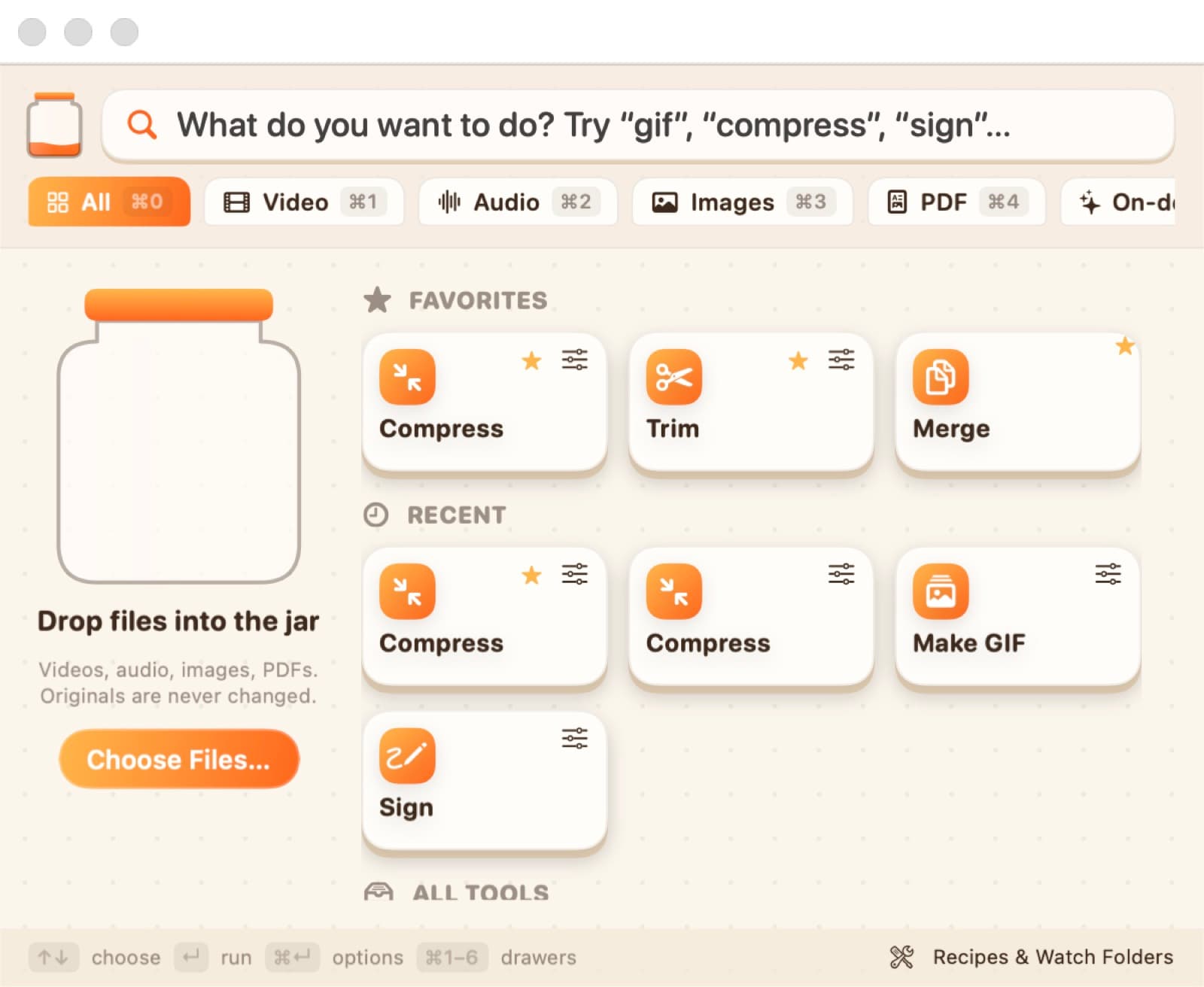
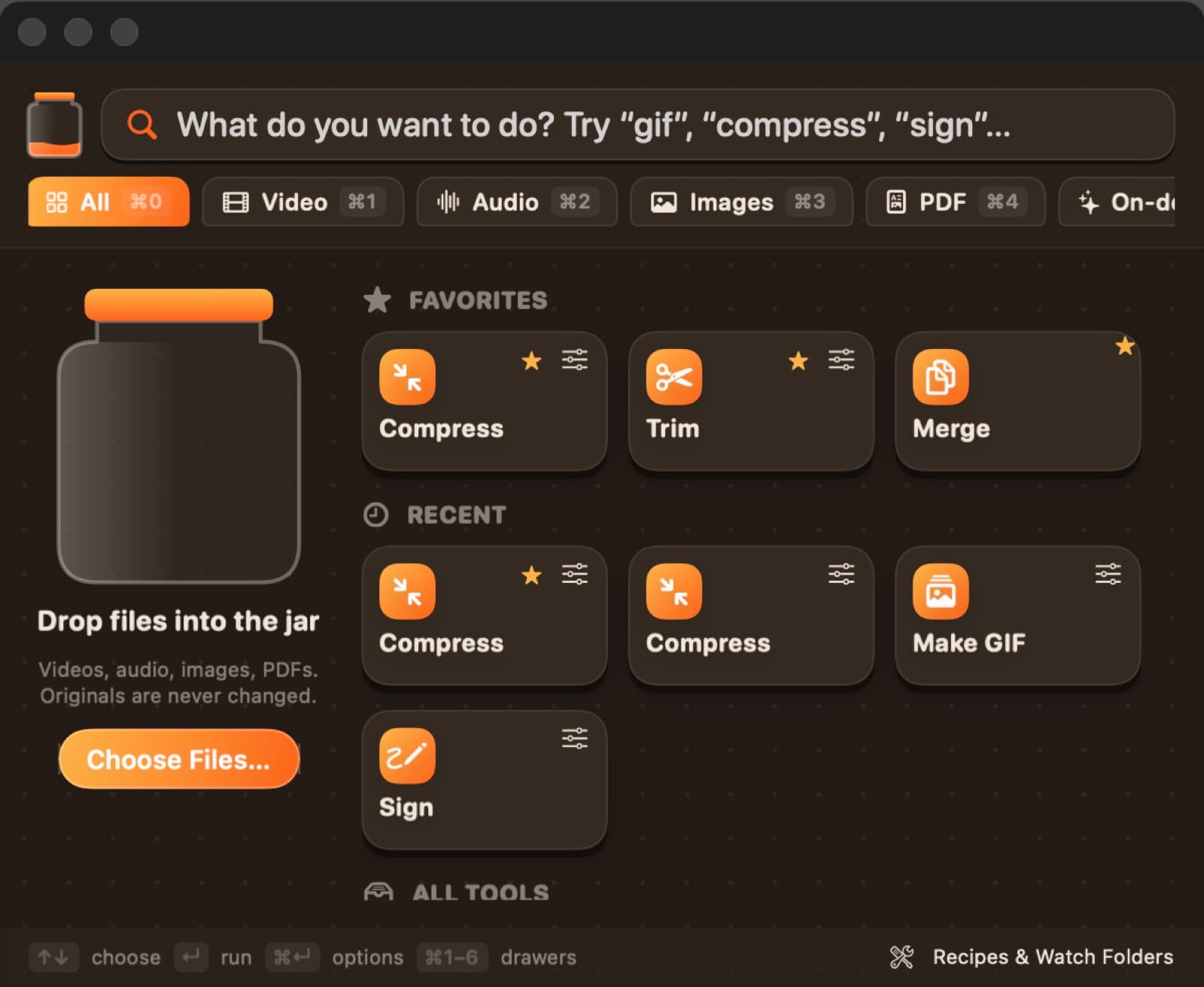
Press ⌥Space for a command bar: type “gif” or “compress”, or drop files and see only the actions that fit them
Your originals are never changed: results are saved only when a whole batch succeeds, with Undo and Reveal
Media
Trim, shrink and transcribe.
Video: convert, compress, trim with a looping preview, merge, make GIFs, change speed, replace or extract the audio
Compress to a target size — a video under N MB, an image under N KB or a PDF under N MB
Make scans searchable and transcribe audio and video on-device — nothing is uploaded
Files
Fix images and PDFs.
Images: convert, resize, crop, watermark, strip metadata, remove backgrounds or make an icon set
PDFs: merge, split, reorder, sign, add or remove a password, or turn pages into images
Automate
Save it as a recipe.
Recipes chain actions into one click, and watch folders run them on new files automatically