
ProcowlActivity Monitor
Coming soonmacOS 14+Night-vision instrument cluster
Find out what slowed your Mac.
Keep an eye on every process, and see what's slowing your Mac down.
Procowl is in development — there's nothing to download yet.
Feature tour
In development — current build includes
Procowl isn't released yet, so there's nothing to download. These features work in the current development build and may change before release. Requires macOS 14 Sonoma or later.
Overview
Read the whole Mac at a glance.
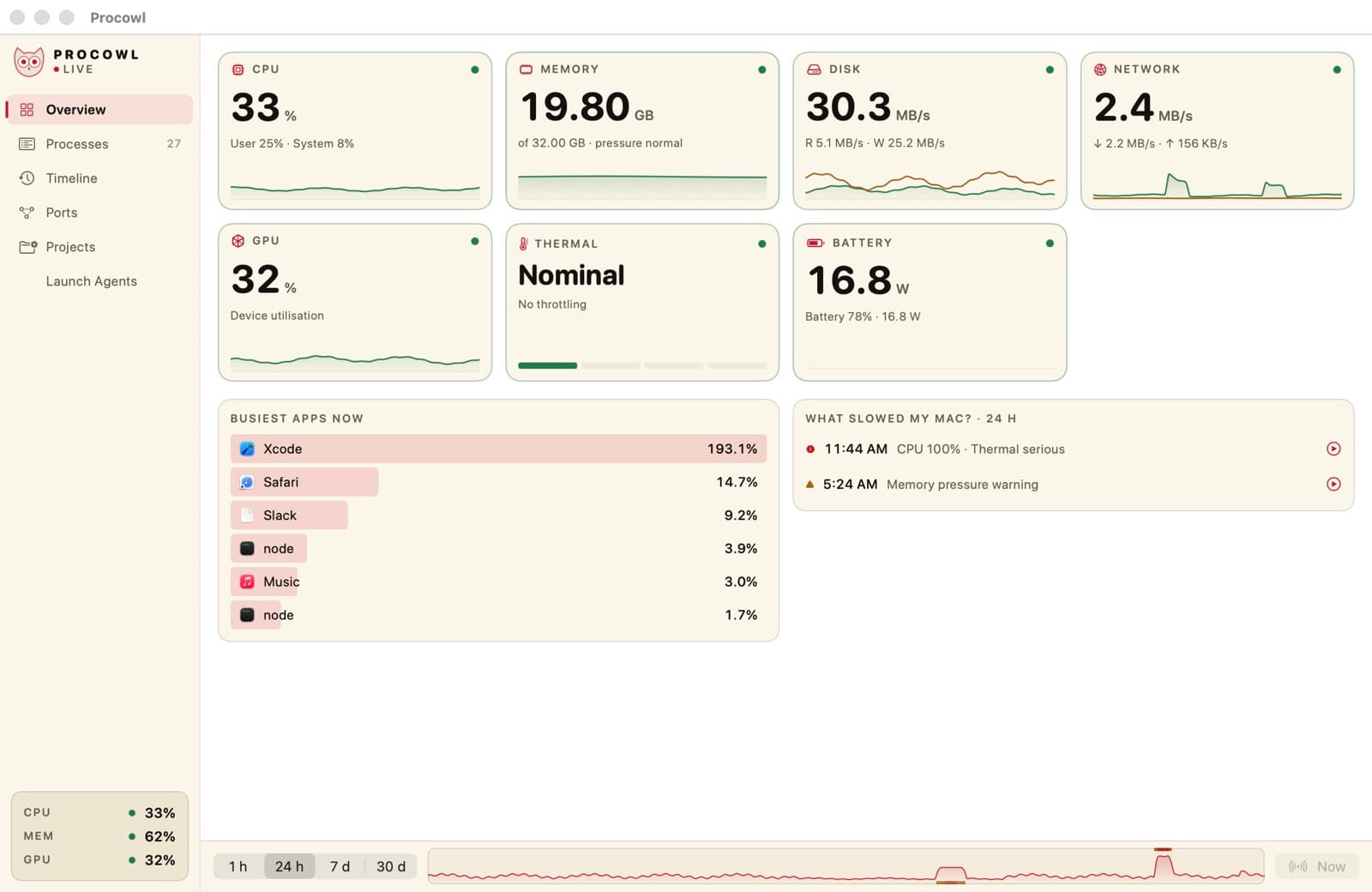
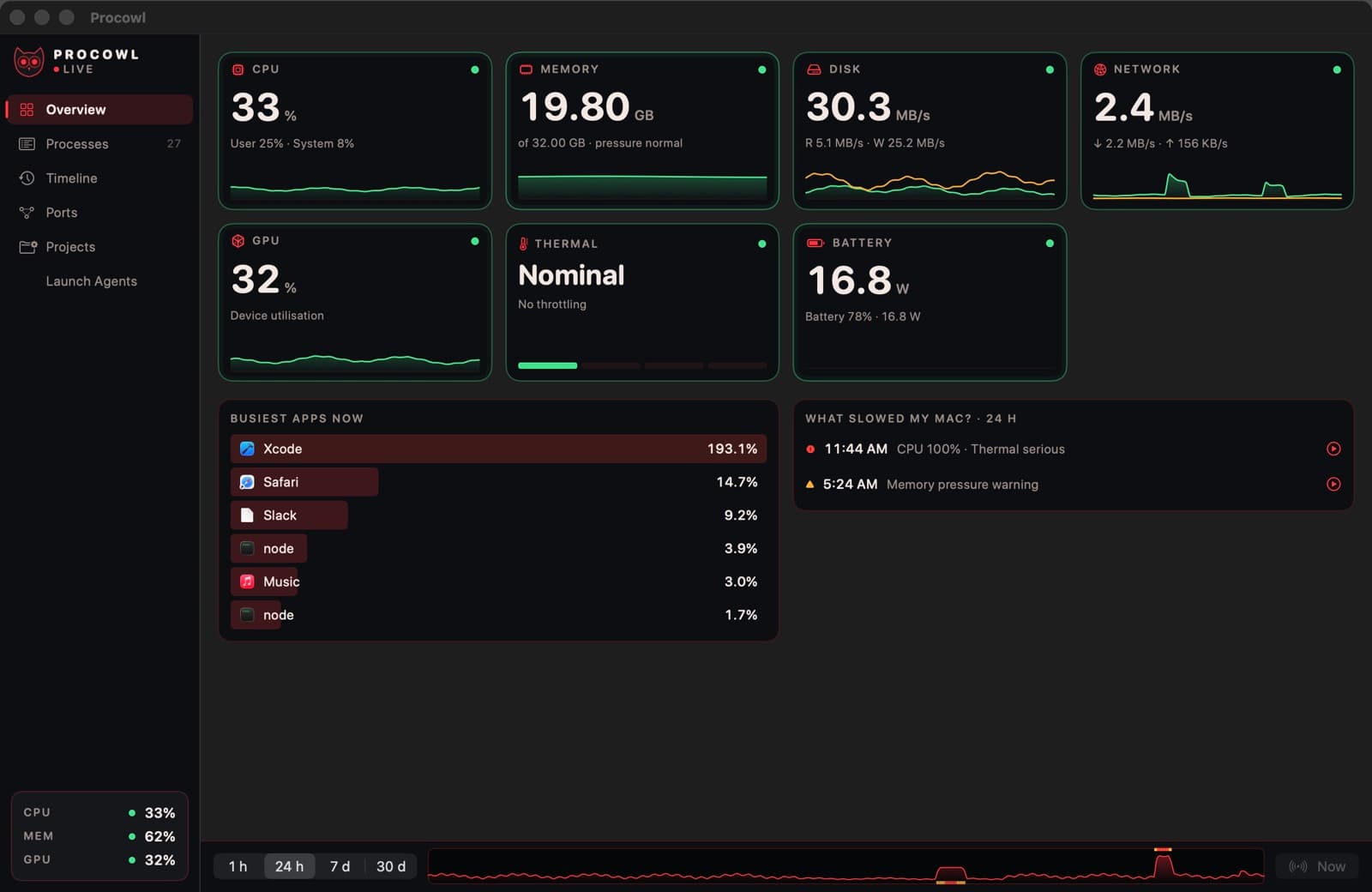
Live tiles for CPU, memory, disk, network, GPU, thermal state and battery power
Six optional menu bar items with graphs that turn amber, then red; each lists the apps behind the number
Replay
Rewind to the slow moment.
“What slowed my Mac?” keeps up to 30 days of history on your Mac — drag the timeline to replay any moment
Inspect
Look inside any process.
The Apps view groups helpers under their app with combined totals, with list and tree views too
The inspector shows code signature and Team ID, command line (secrets hidden), parent chain, listening ports and open files
A read-only browser for launch agents and daemons
Alert
Catch ports and spikes early.
Who is using port 3000? Look it up and stop it, and see dev servers grouped by project
Alerts for CPU, memory growth and disk bursts, suspend and resume with confirmation, and colour-blind and monochrome palettes